Animated slides for your Tidbyt.
Design them on a timeline, fill them with live data, and serve them to the display from your own machine.
The starter deck every new project comes with, drawn frame by frame by morsel's renderer: exactly what the panel shows.
A real editor for a 64×32 screen.
Everything you'd expect from a motion editor, built for a display with 2,048 pixels.
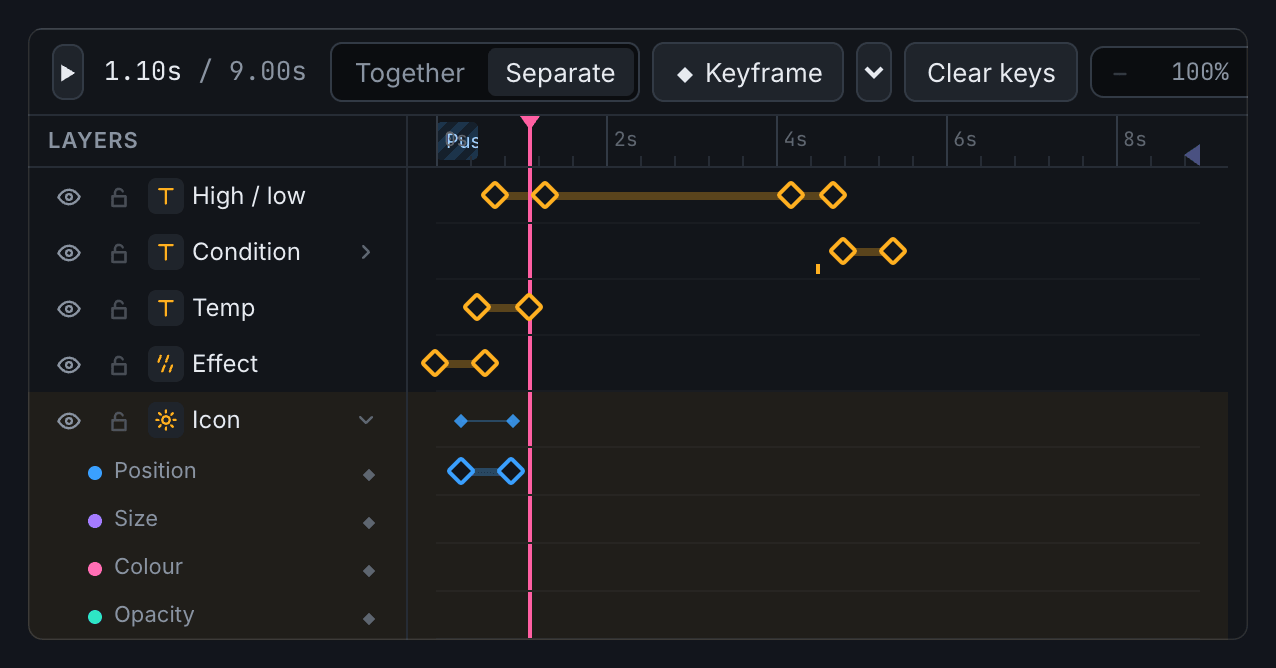
Animate it like a motion editor
Keyframes with easing, separate tracks for position, size, colour and opacity, ready-made moves, and nine transitions between slides.
Slides can fit themselves to their content: an In, a Hold as long as the data needs, then an Out, so long headlines simply get more time.
Bind anything to live data
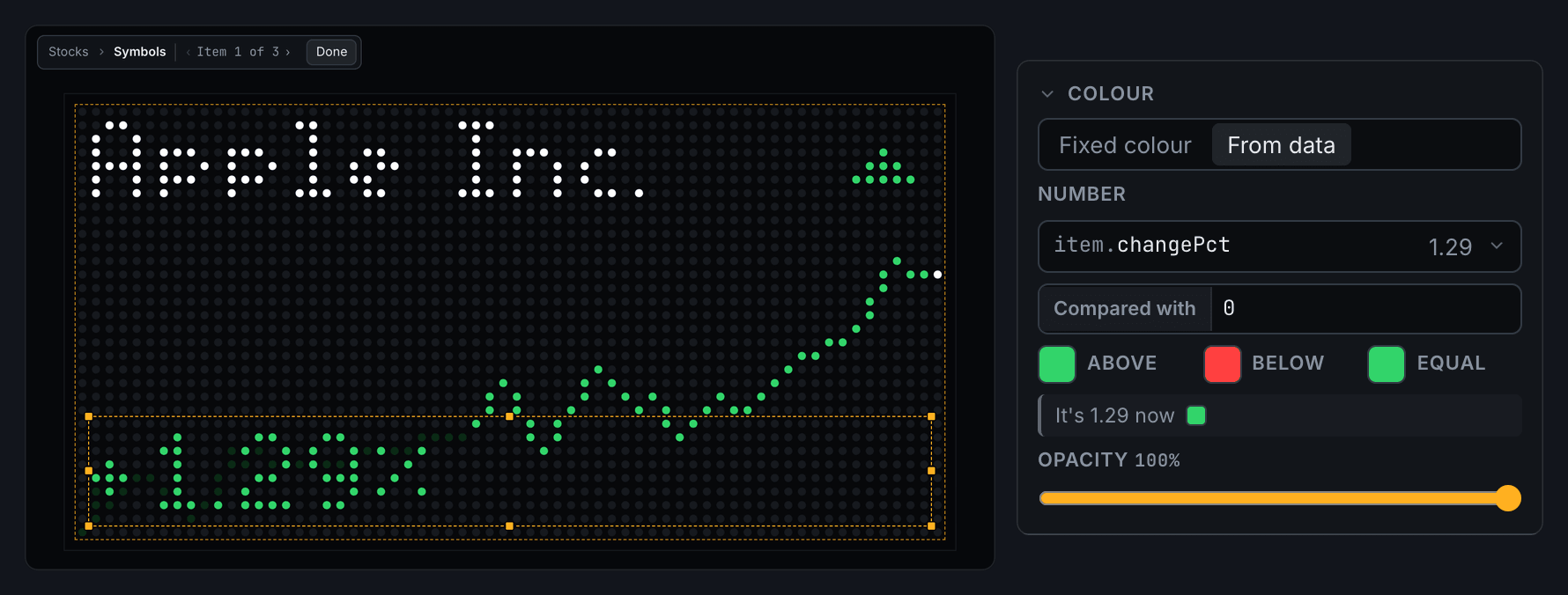
Text, colours, icons and images can all come from the clock, weather, news, stocks, crypto, Home Assistant, your Mac's calendar or any JSON API.
Pick fields from a list instead of typing paths, and let numbers choose colours: green when a stock is up, red when it's down.
Cycle through lists
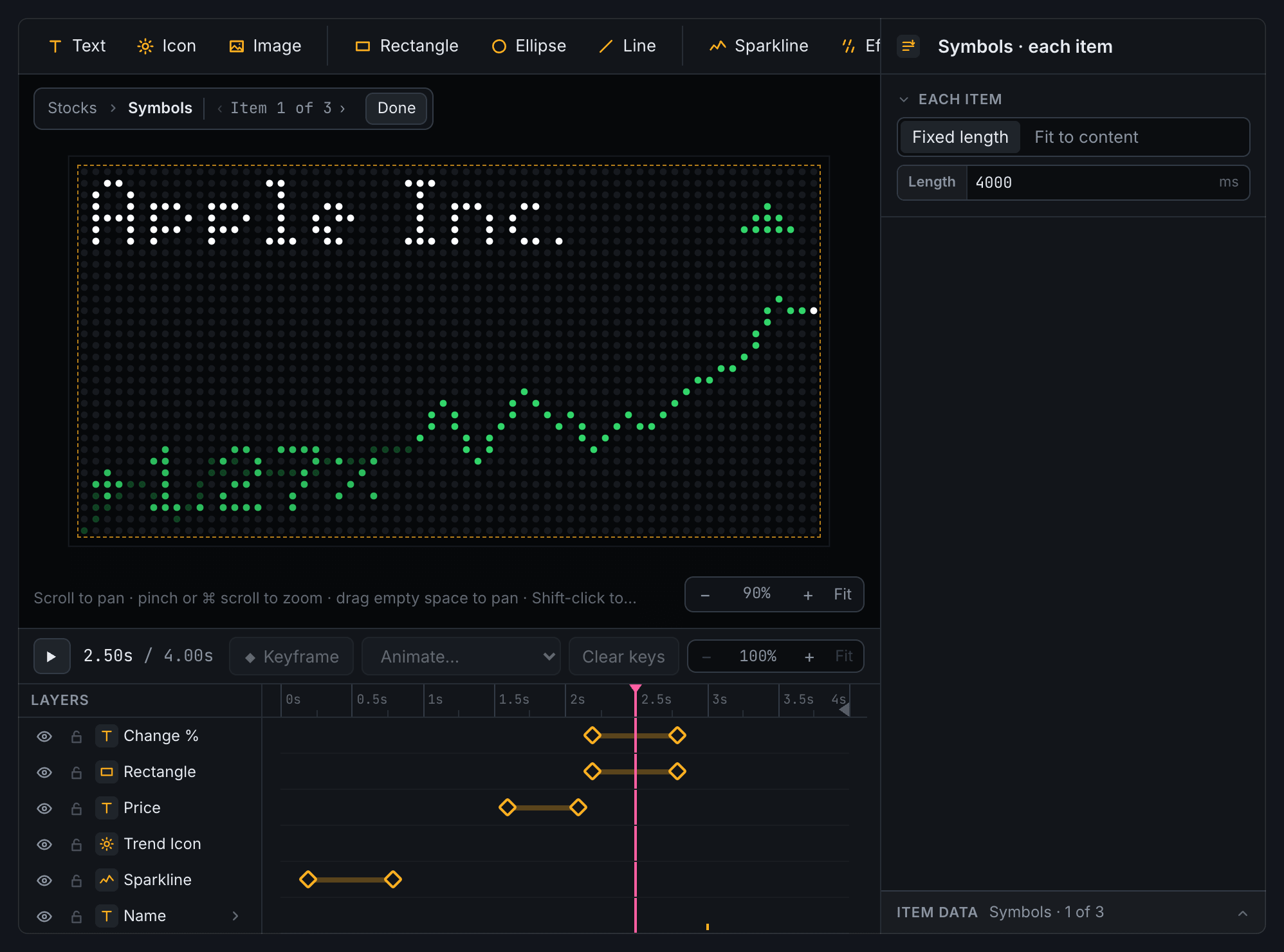
A rotator shows a list one item at a time: headlines, tickers, meetings. Design one item, animate it once, and every item plays it.
Weather you can see
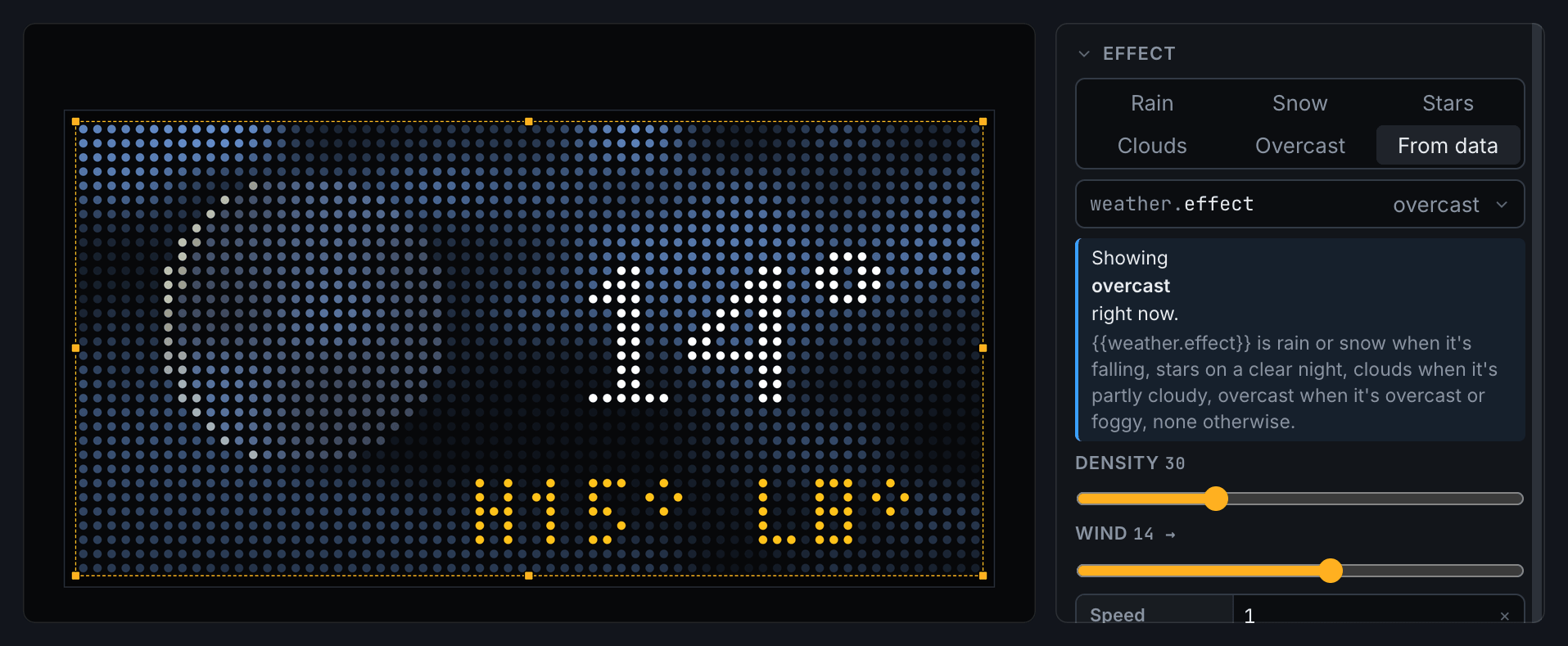
Rain, snow, stars, drifting clouds and overcast skies that follow the real weather, with a sun or moon icon that knows the time of day and the moon's phase.
What you see is what it shows
One renderer drives the editor and the display, and the Device tab mirrors the panel live.
Decks and interrupts
Play slides only when there's data for them, push notifications over HTTP, pause for Do Not Disturb and dim at night.
A Mac menu bar app
Forwards macOS notifications, shows what's playing in Music, and sends your calendar to the display. More about it
Running in a minute.
morsel runs on any machine on your network. A new project starts with the deck above, ready to play.
Then point the display at it, and the Device tab shows the exact address and whether it's connected.
Read the guide to see what each element can do.
git clone https://github.com/benphelps/morsel
cd morsel
echo "PUBLIC_HOST=192.168.1.20" > .env   # this machine's LAN address
docker compose up -d --buildws://<host>:8000/device/wsnpm install
npm run dev # editor on :5180, server on :8000